Markdown Power-Editor for Bear Blog
Version 2 is here!
I’ve completely rebuilt it from the ground up, turning a simple set of buttons into a professional Markdown editor for Bear Blog. If you’re using the old version, I highly recommend switching to the new script link below to unlock the full potential.
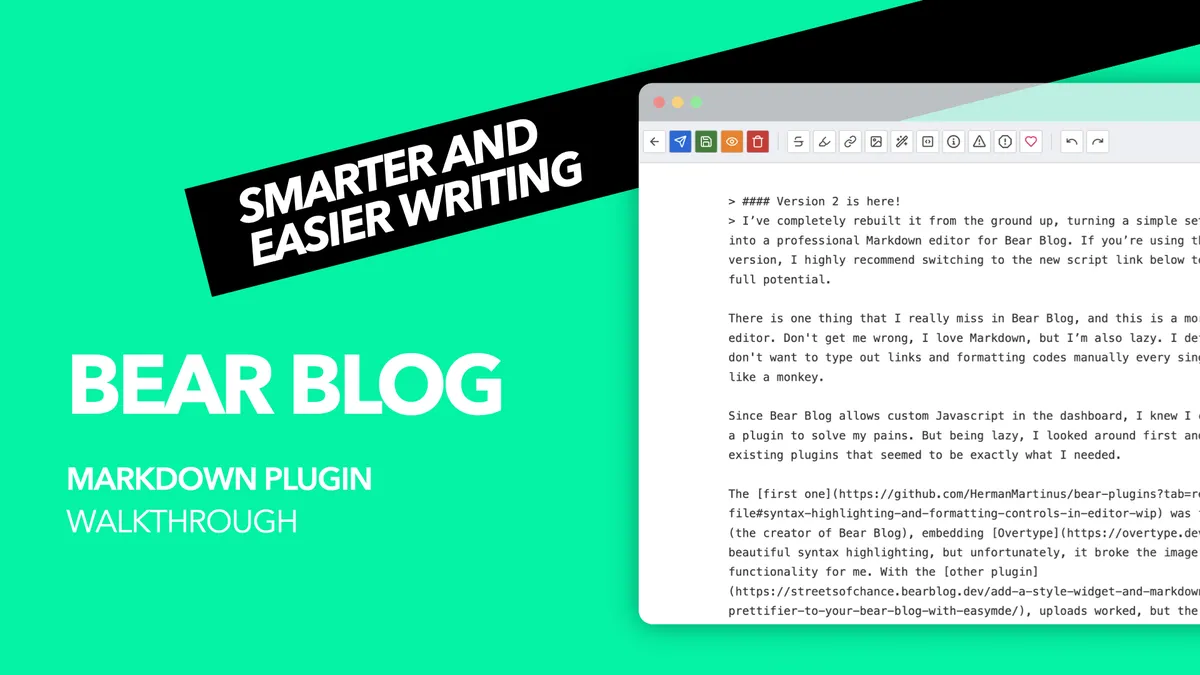
There is one thing that I really miss in Bear Blog, and this is a more powerful editor. Don't get me wrong, I love Markdown, but I’m also lazy. I definitely don't want to type out links and formatting codes manually every single time, like a monkey.
Since Bear Blog allows custom Javascript in the dashboard, I knew I could create a plugin to solve my pains. But being lazy, I looked around first and found two existing plugins that seemed to be exactly what I needed.
The first one was from Herman (the creator of Bear Blog), embedding Overtype. It adds beautiful syntax highlighting, but unfortunately, it broke the image uploading functionality for me. With the other plugin, uploads worked, but the editor felt unstable and somewhat "meh" in daily use.
From a simple Toolbar to a powerful Editor
So I decided to build my own Markdown toolbar, and while doing so, the project grew with my wishes and now has become a truly powerful Markdown editor for Bear Blog. As sharing is caring, I’m making it available to the community.
I wasn't trying to reinvent the wheel, just make it spin a lot smoother for people like us. If you want to see the new editor in action, I’ve created a quick walkthrough video showing you how it works and how to set it up. Or, if you prefer reading, you can find the breakdown of features right below.
Essential features for everyone
- Quick buttons for Bold, Italic, Strike-through, Highlights, Inline Code, and H1-H3 Headings.
- Dedicated buttons for bullet/numbered lists, quotes, footnotes, horizontal rules, tables, and code blocks.
- Buttons for GitHub-style admonitions to easily add Info, Warning, and Caution boxes.
Smart features to save you clicks
- Inline preview shows the preview of your post without leaving the editor page. The preview automatically saves the article to ensure you always see the most recent version of the article.
- Native buttons for quick undo & redo, especially helpful on mobile devices.
Update Jan, 9 2026
I removed the smart features for the URL and image button, that should detect if URLs to websites or images are in the clipboard. This function caused to many problems in modern web browsers.
Optional power user features
- Full-screen mode for a distraction-free writing experience.
- OpenAI integration to automatically generate image descriptions (ALT-text) from a Markdown image tag. This feature requires your own API-key.
- Define your custom button with any text or code snippet that gets inserted with a click of a button.
- Character counter that shows how many characters you already typed.
The best thing is, you decide which buttons you see. The new settings panel allows you to configure your individual toolbar and toggle buttons and settings on and off.
How the ALT-text generation works
This feature uses the OpenAI gpt-4o-mini model to analyze your images via their URL. It’s designed to be fast, privacy-conscious (data is only sent when you click the button), and extremely cost-efficient, generating descriptions for about 1,000 images costs roughly $1.00. For more details, read the documentation on GitHub.
Get this toolbar for your Bear Blog
To use this toolbar, simply add the code below to Customize Dashboard > Dashboard Footer content in your Bear Blog.
<script src="https://flschr.github.io/bearblog-plugins/markdown-toolbar.js"></script>
And the really cool thing is, this works in any web browser, whether you’re on a notebook, tablet, or smartphone.
Note on the Legacy Version
The original toolbar isn't going anywhere and will stay available for those who want to keep their current setup. To enjoy the new features, you'll need to manually switch to the new version provided in this article.
The source code of the Markdown toolbar is available in this GitHub repository.
If you want to report a bug, have ideas, or just want to say thank you, I'd love to hear from you! Feel free to catch me on Mastodon.